
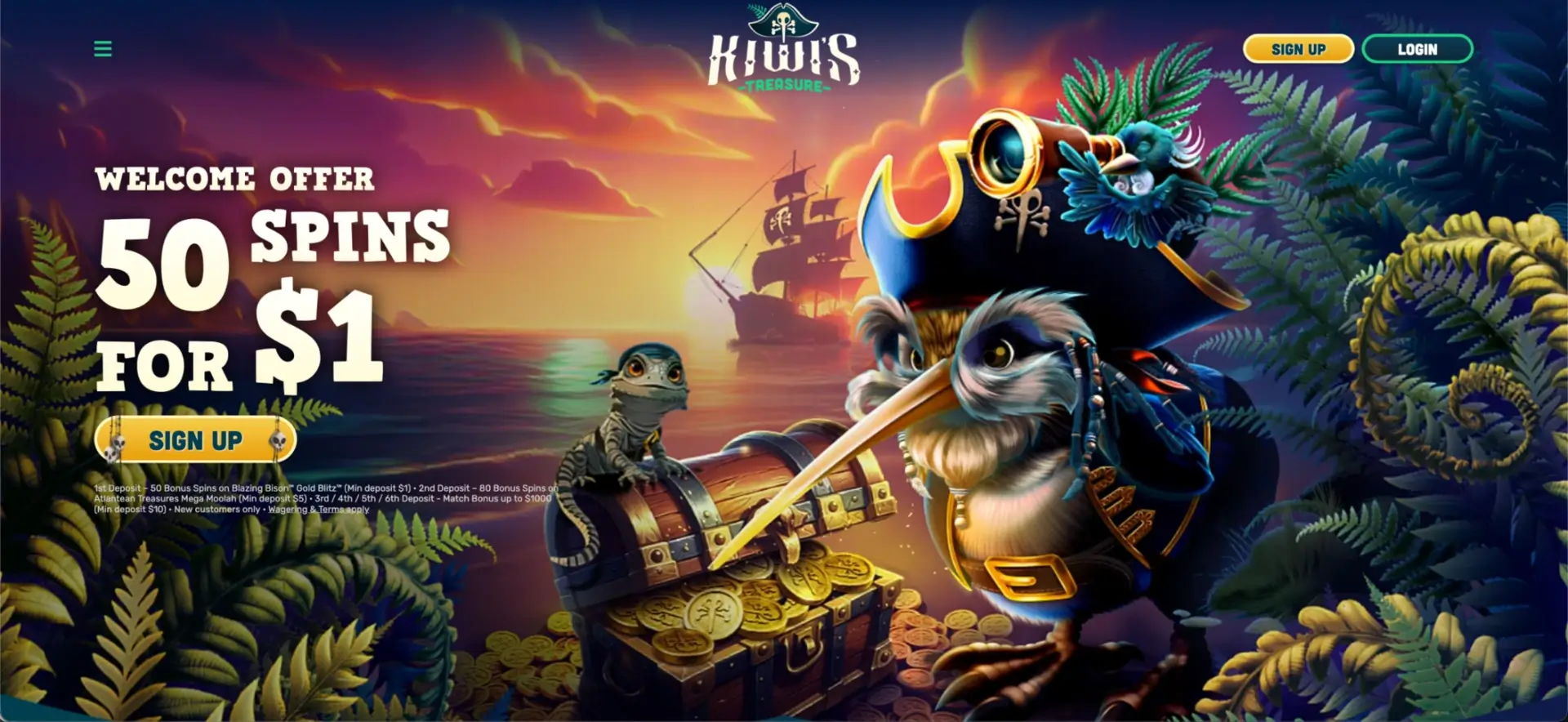
Kiwi's Treasure Casino App
Plenty of New Zealand players search for a Kiwi Treasure app, so it's worth being clear from the start: there is no separate native app to download from the App Store or Google Play. Instead, Kiwi's Treasure runs as a full mobile-browser casino that mirrors the desktop site — the same lobby, the same NZD cashier, the same promotions and the same live tables, all loaded in Safari, Chrome or any modern browser. This guide covers how to reach it on your phone, how to add a home-screen shortcut, and how it performs in day-to-day use.
Below you'll find the mobile feature set, step-by-step shortcut instructions for iOS and Android, and notes from testing on a phone.
| Feature | Mobile browser details |
|---|---|
| Download required | No — runs entirely in the browser |
| iOS access | Safari, Chrome or Firefox — full support |
| Android access | Chrome, Firefox or any modern browser |
| Home-screen shortcut | Available on both iOS and Android |
| Game lobby | Identical to desktop — Slots, Tables, Live Casino, Arcade, Bingo, Jackpots |
| NZD deposits and withdrawals | Full cashier available on mobile |
| Bonus access | Welcome offers, missions, Bonus Wheel and Prize Drops |
| Live casino | Streamed directly in the mobile browser |
| Sign-in options | Email, Google or Apple |
| Security | Encrypted connection — same as desktop |
| Updates | Automatic — nothing to install or update |
Contents
Is there a Kiwi Treasure app for Android or iOS?
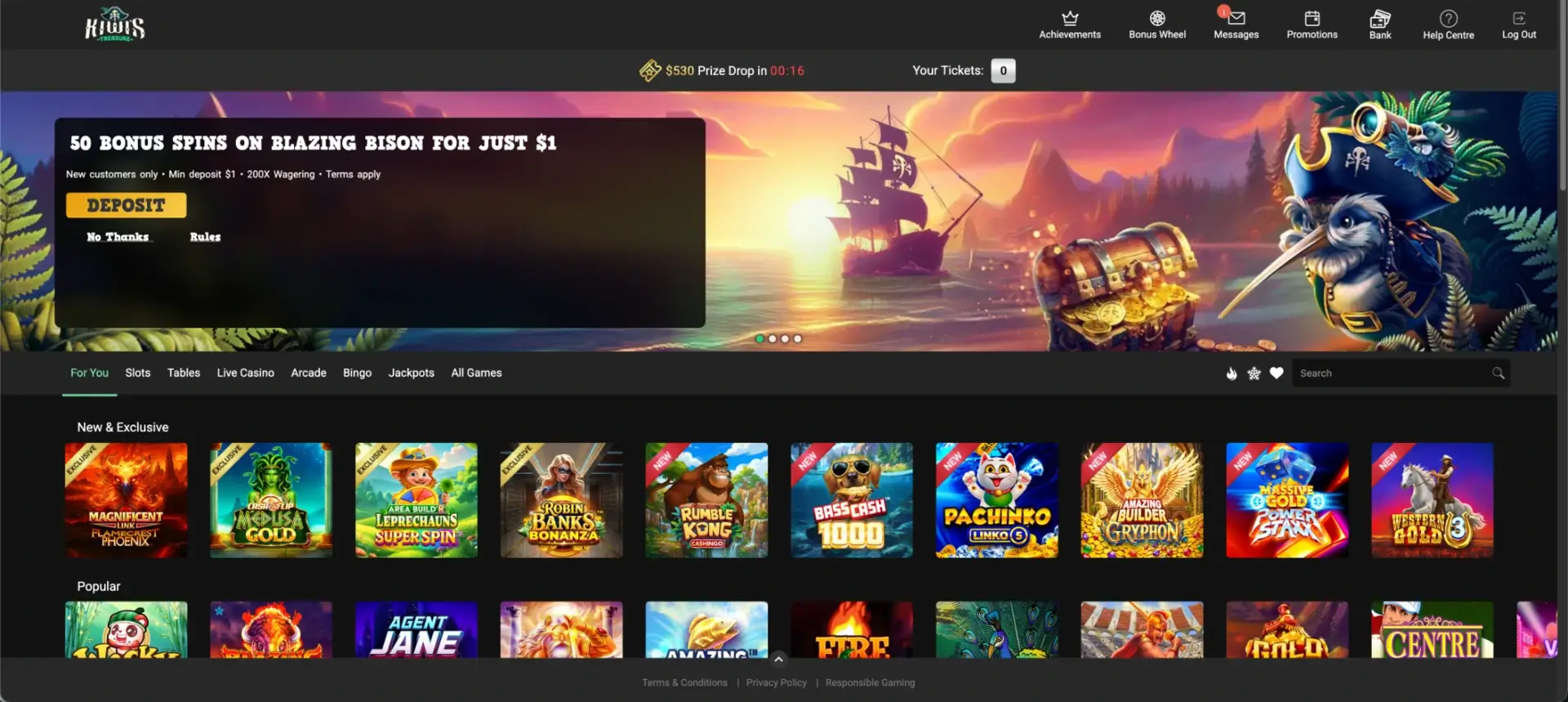
No — there is no dedicated native app. This isn't a drawback in practice: because the casino is delivered through the browser, you always get the current version with no install, no storage use and no manual updates. The mobile site is responsive, so buttons, menus and game tiles resize to fit your screen, and the cashier and live tables behave the same as they do on desktop.
How to access Kiwi's Treasure on mobile
- Open your mobile browser (Safari on iPhone, Chrome on Android).
- Go to the official Kiwi's Treasure site.
- Tap LOGIN to sign in, or SIGN UP to register with the +64 dialling code.
- Browse the lobby, open the Bank to deposit in NZD, or head to Promotions.
How to add Kiwi's Treasure to your home screen
A home-screen shortcut gives you an app-like icon that opens the casino in one tap.
iOS instructions (Safari)
- Open the Kiwi's Treasure site in Safari on your iPhone or iPad.
- Tap the Share icon (the square with an upward arrow).
- Scroll and tap Add to Home Screen.
- Confirm the name and tap Add.
- The icon appears on your home screen and opens the casino directly.
Android instructions (Chrome)
- Open the site in Chrome on your Android phone.
- Tap the three-dot menu in the top-right.
- Select Add to Home screen.
- Confirm the name and tap Add.
- Launch the casino from the new icon whenever you want to play.
Features available on mobile
- Full game lobby: slots, tables, live dealer, arcade, bingo and jackpots.
- Cashier: NZD deposits with Visa, Mastercard, paysafecard, Google Pay, Skrill, Skrill 1-Tap and Neteller, plus withdrawals.
- Bonuses: the welcome offers, daily and weekly missions, Bonus Wheel and timed Prize Drops.
- Account tools: Achievements, loyalty progress, Messages and the Help Centre.
Performance on mobile
- Lobby loading: the front page loaded within about two seconds, with tiles rendering shortly after.
- Slot performance: Pragmatic Play and Games Global titles opened in under three seconds with steady frame rates.
- Live casino stability: Evolution and Pragmatic Play streams stayed stable across a short session on a mid-range Android device.
- Cashier speed: the NZD deposit screen opened promptly and method selection responded without lag.
Mobile payments and withdrawals in NZD
The full cashier is available on mobile. Deposits use the same methods as desktop — Visa, Mastercard, paysafecard, Google Pay, Skrill, Skrill 1-Tap and Neteller — with a NZD 20 minimum deposit across every method. Withdrawals are, where possible, returned to the method you originally used, and each cashout is held for a 24-hour reverse period during which you can cancel it. A Direct Bank Transfer may attract a small fee (around NZD 5) when the amount is under NZD 500.
Security on the mobile version
The mobile site uses the same encrypted connection as desktop. Sign in only through the official site, log out on shared phones, and keep your browser updated. Identity verification, when required, is completed by uploading documents through your account — no separate app needed.
Account verification (KYC) on mobile
You can complete KYC entirely from your phone. When verification is requested — usually before a first or large withdrawal — upload a photo ID and proof of address directly through the account section. Using your phone's camera for clear, well-lit photos of in-date documents helps the check clear quickly.
Usage tips for New Zealand players
- Add the home-screen shortcut for the fastest access.
- Play on a stable Wi-Fi or 4G/5G connection for the smoothest live streams.
- Verify your account early so a later NZD withdrawal isn't held up.
- Set deposit or session limits in your account tools to keep play in check.
FAQ
Is there a Kiwi Treasure app to download?
No. Kiwi's Treasure runs in the mobile browser, so there's nothing to install — you always get the current version.
How do I get an app-style icon?
Add a home-screen shortcut: on iOS use Safari's Share menu, on Android use Chrome's three-dot menu and choose "Add to Home screen".
Can I deposit and withdraw in NZD on mobile?
Yes. The full NZD cashier is available on mobile, with the same deposit methods as desktop.
Does the live casino work on a phone?
Yes. Live tables stream directly in the mobile browser, and streams stayed stable during testing.
Is the mobile version secure?
It uses the same encrypted connection as desktop. Sign in only via the official site and log out on shared devices.
Can I verify my account from my phone?
Yes. Upload your ID and proof of address through the account section using your phone's camera.